
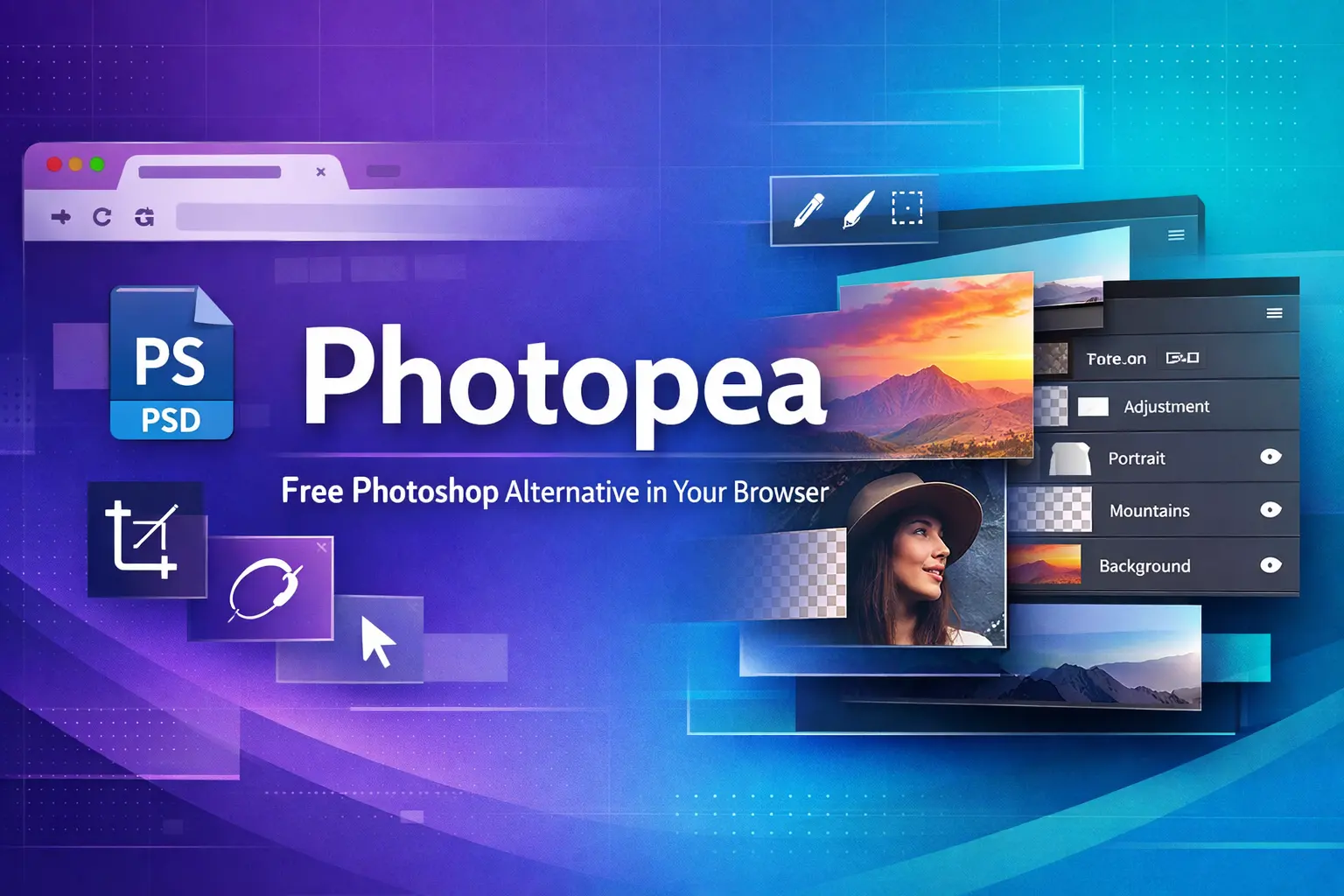
Photopea: The Free Online Photo Editor That Rivals Photoshop
Photopea is a free, browser-based photo and graphics editor that has emerged as a powerful alternative to Adobe Photoshop, offering professional-grade editing capabilities without requiring downloads, installations, or expensive subscriptions. Launched as an online tool, it provides users with immediate access to advanced image editing features simply by opening a web browser, making it accessible to everyone from casual users to professional designers.
What Makes Photopea Unique
Photopea operates entirely within your web browser, eliminating the need for software installation while delivering professional-grade editing tools comparable to desktop applications. The platform supports an impressive range of file formats, including over 50 different types such as PSD, AI, INDD, XCF, Sketch, XD, FIG, SVG, RAW camera files, and animated formats like GIF, APNG, MP4, and WEBM. This extensive compatibility makes it particularly valuable for designers who need to collaborate across different platforms or work with files from various design programs.
Core Features and Capabilities
Professional Editing Tools
Photopea provides a comprehensive suite of editing tools that mirror industry-standard software. The platform includes:
- Layer-based editing with full management capabilities, blending modes, masks, and smart objects for complex compositing and non-destructive workflows
- Selection tools including rectangle, ellipse, lasso, magic wand, and quick selection for precise editing
- Advanced brush and pencil tools with customizable settings for creative work
- Clone, healing, and spot healing tools for removing blemishes and unwanted objects
- Dodge, burn, and sponge tools for adjusting lighting and saturation
- Text tools with various fonts and colors for adding typography to designs
- Vector graphics engine with path operations for creating scalable artwork and logos
AI-Powered Enhancements
Premium subscribers gain access to AI capabilities including one-click background removal, text-based content generation, and automated image enhancement using machine learning algorithms. The platform offers multiple AI models such as Stable Diffusion 2.0, Realistic Vision 5.1, Absolute Reality, and Dreamshaper 8 for generative image creation. Additionally, Photopea includes an advanced AI photo upscaler that enlarges images while preserving edges and fine details.
Adjustment and Enhancement Options
The editor features professional color grading tools including curves, levels, and selective HSL adjustments with real-time preview capabilities. Users can apply adjustment layers to modify color, brightness, and other attributes without permanently altering the original image. Photopea also offers various filters and effects to enhance images quickly.
User Interface and Experience
Photopea's interface closely resembles Adobe Photoshop, making it intuitive for users familiar with industry-standard software to transition seamlessly. The layout includes a toolbar, menu bar, and panels organized for easy access to features. The platform supports keyboard shortcuts for faster editing workflows, enhancing efficiency for experienced users. For beginners, the simpler and more straightforward interface makes it more approachable than complex desktop applications, allowing users to find and use tools quickly without extensive training.
Pricing and Premium Options
Photopea operates on a freemium model, offering full editing capabilities at no cost with ad-supported access. The free version includes all basic and advanced editing tools, making it suitable for most users' needs. For those who want an ad-free experience and wish to support the platform's development, Photopea Premium is available for $5 per month or $50 annually. The premium subscription primarily removes advertisements and provides support for future development, though it also unlocks access to advanced AI features and beta tools.
Supported Export Formats
Photopea allows users to save their work in multiple formats depending on their needs. Users can save projects as PSD files to preserve layers and editing capabilities, or export finished work as JPEG, PNG, GIF, or SVG for sharing and publishing. The platform also supports exporting to cloud storage services like Google Drive and OneDrive for convenient file management.
Use Cases and Applications
Professional Design Work
Freelance designers use Photopea to create marketing materials, website mockups, and branding assets with industry-standard PSD compatibility without subscription costs. The platform's comprehensive toolset enables advanced editing and design work suitable for client projects.
E-commerce and Business
Online sellers leverage Photopea for batch-processing product images with background removal, color correction, and format conversion optimized for online marketplaces. Small business owners can create professional graphics for their operations without investing in expensive software.
Education and Learning
Educational institutions teach core design principles and photo editing techniques using Photopea without requiring institutional software licensing fees. Students can access the same tools from any device, making it ideal for remote learning environments.
Social Media Content
Content creators develop platform-specific visuals with optimized dimensions, filters, and text overlays for enhanced digital engagement across social media channels. The quick access to editing tools allows for rapid content production.
Advantages Over Competitors
Photopea offers several distinct advantages compared to Adobe Photoshop and other editing software. The platform requires no download or installation, works on any device with a modern browser, and is free to use with optional premium features. It provides better accessibility for beginners while still offering professional-grade capabilities. Unlike Photoshop's subscription-based model requiring ongoing payments, Photopea delivers core functionality at no cost. The browser-based nature ensures users can start editing immediately without waiting for software installation or updates.
Limitations to Consider
While powerful, Photopea has some limitations compared to desktop applications like Photoshop. Advanced features such as 3D graphics creation, neural filters, and advanced Camera Raw filters are not available in Photopea. Performance may depend on browser capabilities and internet connectivity, though the platform leverages local hardware resources for processing. The AI-generated image results are described as "only so-so," reflecting current limitations in generative image technology.
Getting Started
Using Photopea requires no account creation, though optional registration provides benefits such as cloud storage access. Users can begin by visiting the Photopea website and choosing to create a new project, open existing files from their computer, or select from available templates. The intuitive interface guides users through the editing process, with comprehensive tutorials available for learning specific techniques. Projects can be saved locally or exported directly to cloud storage services for convenient access across devices.
Photopea has established itself as a legitimate free alternative to expensive photo editing software, offering professional-grade tools accessible to anyone with a web browser. Whether you're a beginner learning photo editing basics or a professional needing quick access to advanced tools, Photopea provides the features necessary to create stunning visuals without financial barriers.
Comments 0
No comments yet
Be the first to share your thoughts!
Leave a Comment