
What is Google Code Wiki?
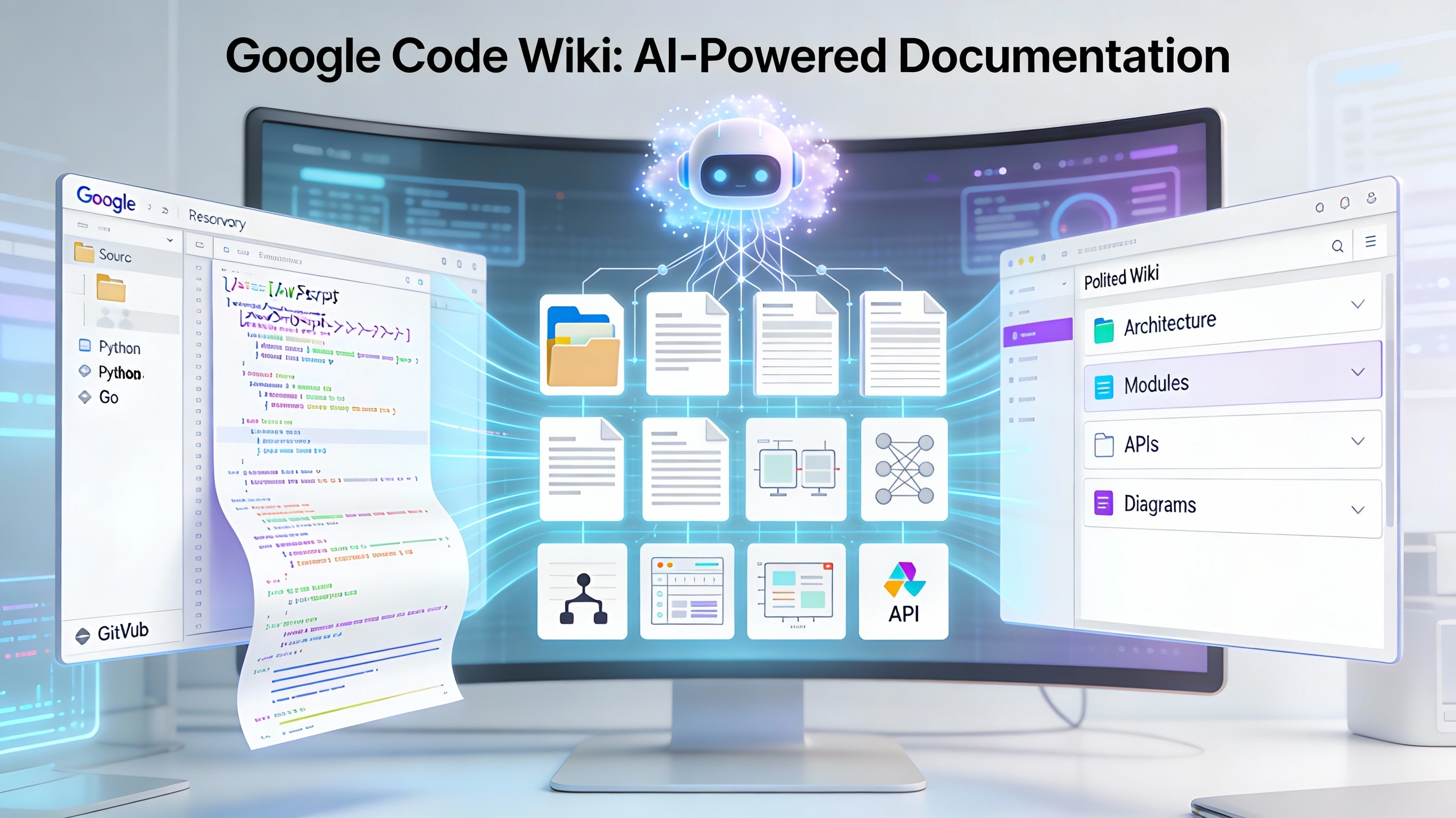
Google Code Wiki is Google's new Gemini-powered platform that turns any supported code repository into a continuously updated, interactive wiki with docs, diagrams, and a repo-aware chat assistant. It is designed to eliminate stale documentation and make understanding unfamiliar codebases dramatically faster for both new and experienced developers.
Code Wiki automatically scans a repository and generates a structured documentation site that mirrors the code's actual architecture, modules, classes, and functions.
The documentation is "living": it is regenerated and synchronized with the code after changes, so architecture notes, API docs, and examples stay aligned with the latest commit.
Key Features
Auto-updated structured docs
Each module, class, and function gets a dedicated page with purpose, parameters, return values, usage examples, and links to related components.
Visual diagrams
Architecture, class, and sequence diagrams are generated from the repository and refreshed whenever the code changes, helping developers see complex relationships quickly.
Gemini-powered chat
Every wiki includes a chat agent that answers natural-language questions using the full wiki and code context, linking back to the exact files and symbols referenced.
How to Use Code Wiki (Public Web)
Access the platform via the Code Wiki website and search for or paste a public GitHub repository such as facebook/react or vercel/next.js.
Once a repo is selected, developers can explore its Overview, Architecture, Modules, APIs, and Diagrams sections, jumping directly from explanations into the underlying code files.
The integrated chat can be used to ask focused questions like "How does authentication work?" or "Where is the caching logic implemented?" with answers grounded in the live docs.
Gemini CLI and Private Repos
Google is building a Gemini CLI extension that brings Code Wiki's documentation loop to local and private repositories, aimed at teams that cannot expose code publicly.
The CLI is expected to support local analysis, IDE integration, custom prompts, and organizational sharing while keeping proprietary code inside secure environments; early access is managed via a waitlist.
Benefits and Limitations
Benefits
- Significant time savings for onboarding
- Faster code reviews
- Reduced reliance on tribal knowledge
- Developers can move from high-level concepts to specific functions in a few clicks
Current Limitations
- Focus on public repositories for the hosted experience
- Open questions around behavior on very large monorepos
- Usual need to validate AI-generated explanations for critical systems
Comments 0
No comments yet
Be the first to share your thoughts!
Leave a Comment