
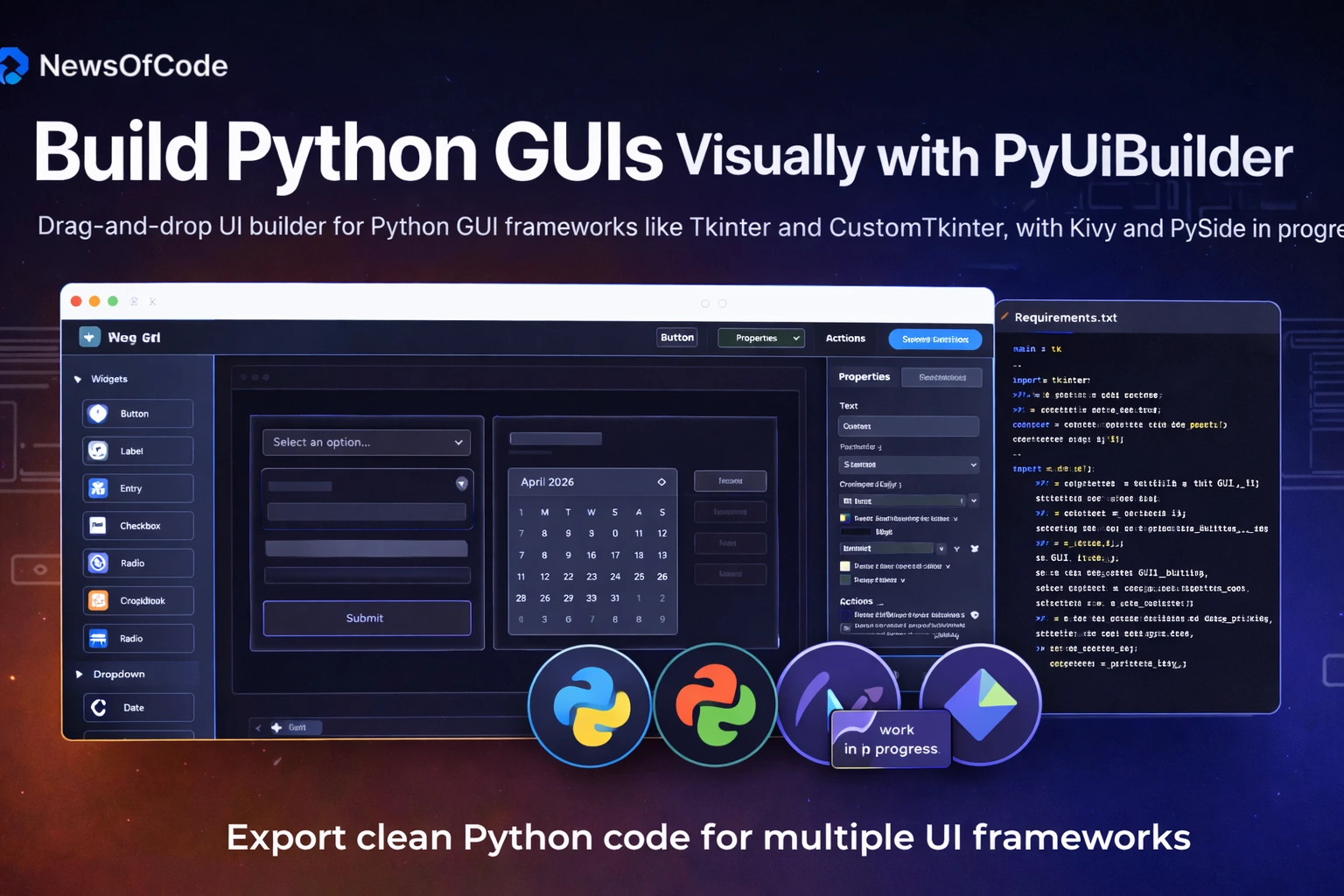
PyUiBuilder is a browser-based drag-and-drop GUI builder that lets you visually design Python desktop interfaces and then export clean, runnable Python code for frameworks like Tkinter and CustomTkinter, with Kivy and PySide support in progress. It aims to make Python GUI creation feel more like using tools such as Webflow or Canva, rather than hand-coding every widget and layout.
What is PyUiBuilder?
PyUiBuilder is a visual UI designer specifically built for Python desktop GUIs. You build the interface in a web editor and then download a project containing a main.py plus an optional requirements.txt so you can run it locally.
- It is framework-agnostic at the design level and can export code targeting multiple Python GUI frameworks
- The tool is positioned as “build Python GUIs like Canva/Webflow,” focusing on ease of use for beginners and productivity for experienced developers
Core Features
PyUiBuilder’s main appeal is drag-and-drop editing combined with automatic code generation.
- Framework support: Exports to Tkinter and CustomTkinter today, with Kivy and PySide listed on the roadmap as “work in progress / upcoming.
- Layout system: Supports grid, flex-style layouts, and absolute positioning, so you can choose between responsive-style or pixel-perfect designs.
- Widgets and plugins: Ships with pre-built widgets (buttons, labels, etc.) and a plugin system to integrate third‑party UI components like calendars and charts.
- Code export: Generates editable Python code plus a requirements.txt, so you can pip install -r requirements.txt and run the GUI immediately.
- Assets and themes: Lets you upload local assets (images, icons) and, in premium tiers, unlock features like dark theme and advanced project handling
How PyUiBuilder Works
The workflow is designed so that non‑experts can prototype quickly while developers still get maintainable code
- Open the online editor at the PyUiBuilder site and start a new project.
- Drag widgets from the sidebar onto the canvas, arrange them with grid/flex/absolute layouts, and configure properties in side panels.
- Optionally attach simple event-handling functions (e.g., button click callbacks) through the interface or later in the exported code.
- Choose your target framework (e.g., Tkinter vs CustomTkinter) and export the project as a zip containing Python source and dependencies.
- Extract, install requirements, and run main.py locally to see the GUI as a native desktop app.
Desktop App and Licensing
Beyond the browser editor, PyUiBuilder also offers a downloadable desktop app with additional capabilities
- Desktop builds provide live preview, better integration with the local environment, and some advanced features not available in the free tier.
- The base tool is free to use, while a one‑time lifetime license unlocks unlimited code exports and premium options such as dark theme, save/load UI files, and enhanced plugin support.
Why PyUiBuilder Matters for Python Devs
PyUiBuilder is part of a broader push to modernize Python GUI development with visual tooling
- Beginners can learn GUI concepts like widgets, layouts, and events visually first, then inspect the generated code to understand how it works under the hood.
- Experienced developers can treat it as a rapid prototyping tool: sketch the UI with drag‑and‑drop, export to Tkinter or CustomTkinter, and then layer in complex business logic directly in Python
Comments 0
No comments yet
Be the first to share your thoughts!
Leave a Comment