
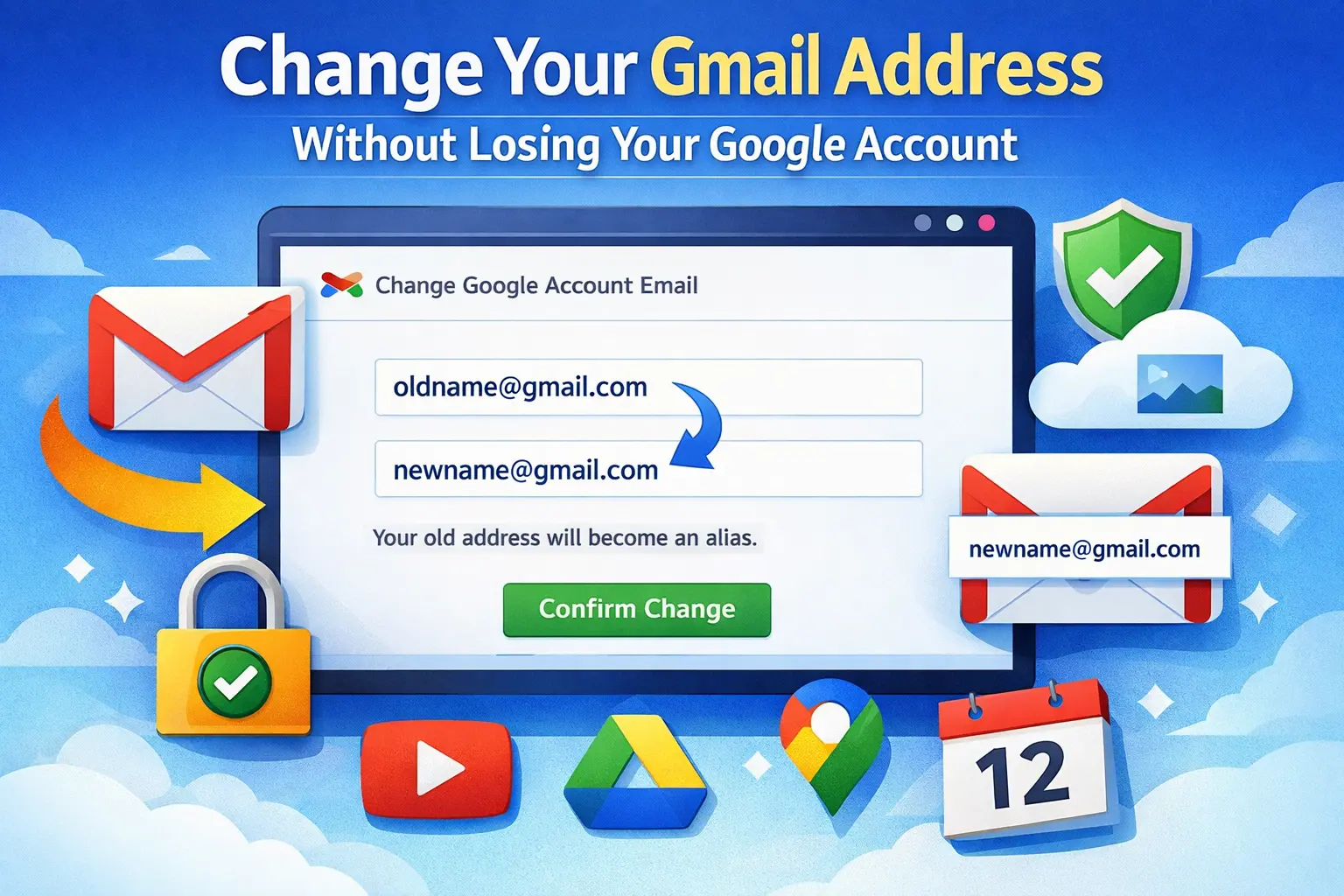
Google has started rolling out a long‑requested feature that lets you change your primary @gmail.com address without creating a new account or losing data. The option is still limited and appears only for some users and regions for now, with a broader rollout expected over time.cnbc+3
What’s New
Gmail users can now swap their existing @gmail.com address for a new @gmail.com username while keeping the same Google Account, data and services.9to5google+1
The original address becomes an alias, so emails sent to both the old and new addresses land in the same inbox and both can be used to sign in.chromeunboxed+1
This ability is “gradually rolling out” and currently shows up first on a Hindi Google support page, suggesting a staged, region‑based launch.cnbc+1
Key Limits And Rules
Only accounts whose primary email ends in @gmail.com are eligible; the new address must also end in @gmail.com.latimes+1
You can change your @gmail.com address up to three times in total, giving you up to four different @gmail.com addresses over the lifetime of the account.businessinsider+1
After changing, you typically cannot attach another new @gmail.com address for 12 months, so each change needs careful planning.x+1
What Happens To Your Old Address
Your old Gmail address is kept as an alias and cannot be claimed by anyone else, so you do not lose control of it.9to5google+1
You continue receiving messages sent to the old address, can still send mail from it, and can use either old or new address to sign in to services like YouTube, Maps, and Drive.androidauthority+1
Some older items, such as calendar events created before the change, may still display the previous address for a while and update gradually across Google’s ecosystem.9to5google
How To Check If You Have It
Sign in on desktop and go to myaccount.google.com, then open Personal info from the left‑hand menu.news.yahoo+1
Under the Email section, look for “Google Account email”; if the feature is active for you, you will see an option like “Change your Google Account email address.”cyberpress+1
If you do not see this option, the feature has likely not reached your account or region yet, and there is currently no way to force‑enable it.news.yahoo+1
Step‑By‑Step: Changing Your @gmail.com
Open myaccount.google.com on a computer, go to Personal info → Email → Google Account email, then select the change option if it is available.cyberpress+1
Enter your desired new @gmail.com address; Google will check if the username is available and warn you about limits (such as the 12‑month cooldown and three‑change cap).techradar+1
Confirm the change; your account, data, photos, Drive files, and emails remain intact, and your previous address automatically starts working as an alias alongside the new one.howtogeek+1
Comments 0
No comments yet
Be the first to share your thoughts!
Leave a Comment