
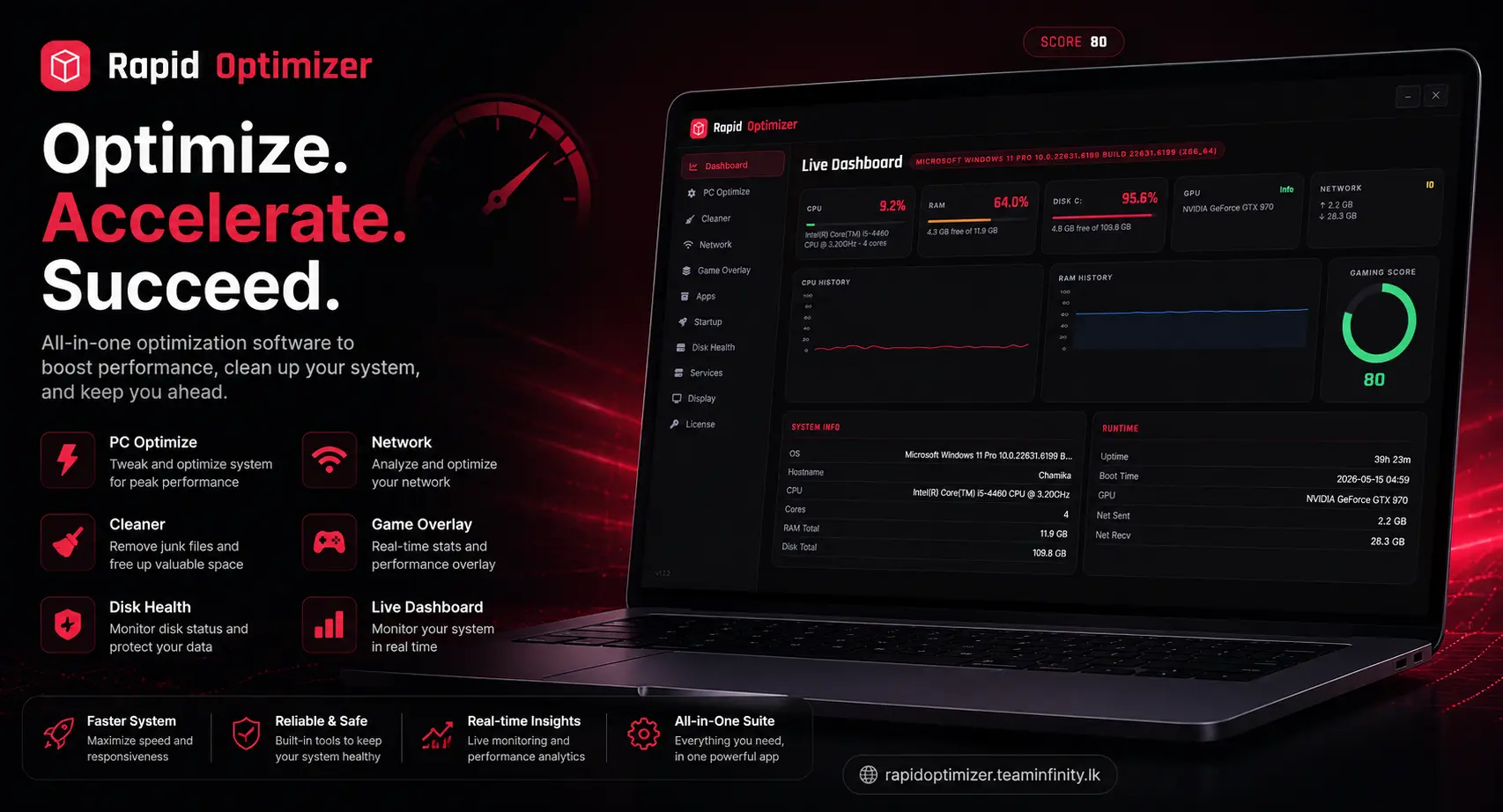
Rapid Optimizer – High-Performance PC Optimization Software by TeamInfinity
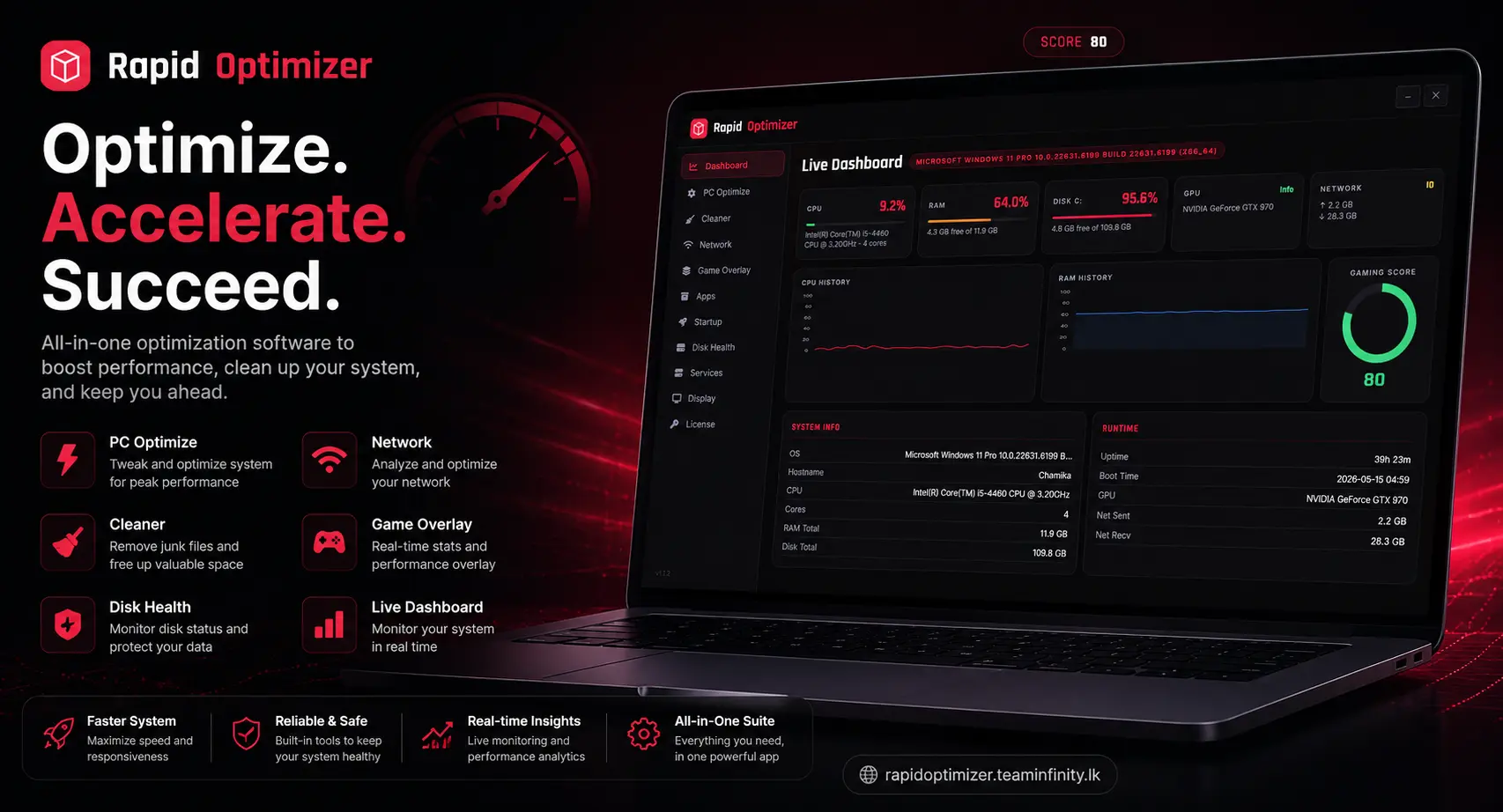
Rapid Optimizer is a Windows-focused PC optimization utility designed to clean junk files, improve startup times, and enhance overall system responsiveness, particularly for gaming and heavy multitasking workloads. While many mainstream tools provide similar capabilities, Rapid Optimizer targets gamers and power users who want a lean, fast tool without excessive bloat or complex configuration.
Why PC Optimization Tools Matter
Modern Windows systems accumulate temporary files, caches, leftover registry entries, and bloatware over time, which can slow down boot times and in-game performance. Traditional antivirus suites increasingly bundle optimizers, but these often introduce their own background processes and telemetry that can consume resources that gamers want to reserve for games and creative tools.
For gamers and creators, the primary goals are:
- Faster boot and game load times.
- Stable frame rates with minimal background interference.
- More free disk space on SSDs for games and tools.
- Better privacy by limiting unnecessary background services and data collection.
A specialized optimizer like Rapid Optimizer can focus on these needs instead of trying to be a general-purpose security suite.
Core Capabilities
Although each vendor brands features differently, most modern PC optimizers cluster into a few core categories.
System Cleanup
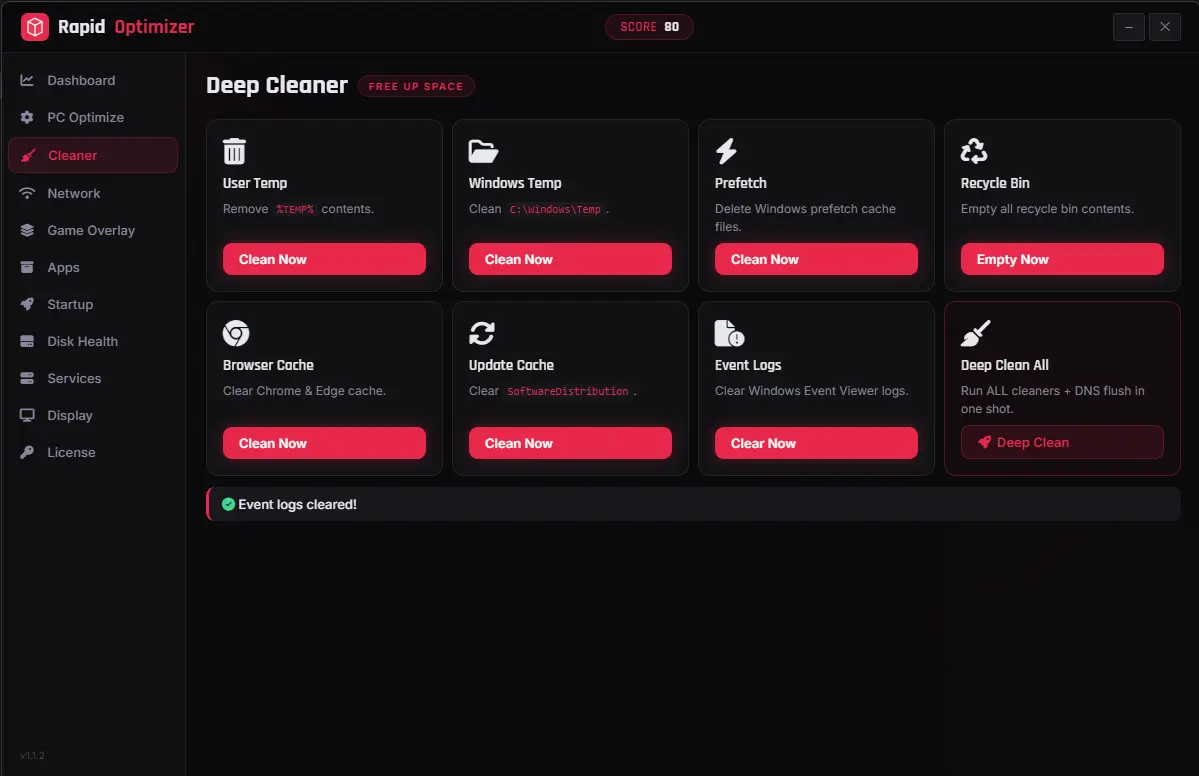
- Junk file cleaner for system cache, temporary files, crash logs, and installer leftovers, freeing disk space and improving overall responsiveness.
- Browser cleanup for cache, cookies, and old session data across major browsers to reclaim storage and reduce clutter.
Performance and Startup Tuning
- Startup manager to disable or delay unnecessary background apps that slow down Windows boot, often yielding noticeable improvements in startup times.
- Service and scheduled-task tuning to prevent non-critical components from consuming CPU and RAM while gaming or streaming.
Registry and System Health
- Registry cleaner to remove stale entries left behind by uninstalled software, reducing certain classes of errors and minor slowdowns.
- Basic repair tools for misconfigured settings that can contribute to instability or application crashes.
Privacy and Debloating
- Options to disable telemetry, background diagnostics, and unnecessary system components in order to improve privacy and slightly reduce background load.
- Removal or disabling of preinstalled bloatware applications that ship with OEM Windows installations.
Developer and Technology Stack
Rapid Optimizer is developed by chamika Samaraweera, under the TeamInfinity brand., a Sri Lanka-based engineering team known for building performance-focused Windows tools, developer utilities, and custom infrastructure solutions. The app is built with a modern native-first stack designed for low overhead and tight integration with Windows:
- Core language: Go 1.22+
- Desktop framework: Wails v2 with a lightweight vanilla JavaScript front end
- System integration: Win32 API and Windows ETW for low-level metrics and real FPS tracking
- Metrics backend:
gopsutilfor non-blocking CPU, RAM, disk, and network telemetry cached in the background for both the UI and in-game overlay
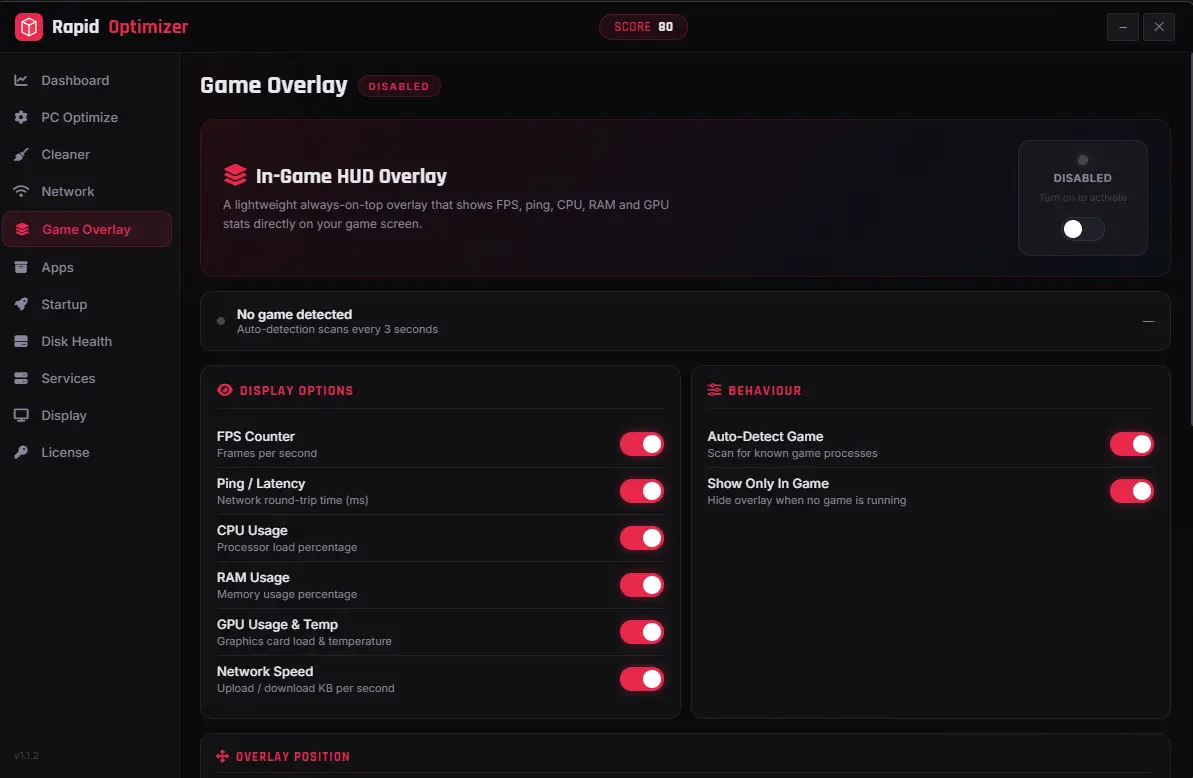
Under the hood, Rapid Optimizer uses ETW providers such as Microsoft-Windows-DXGI and D3D9 to count every Present call from your game, then converts that into a true FPS value with a one-second ticker — no hooks, no injection, and no GPU polling. A dedicated overlay process renders the HUD via UpdateLayeredWindow with per-pixel transparency, ensuring essentially zero impact on the game render loop.
Positioning Rapid Optimizer vs Popular Alternatives
Well-known PC optimizers such as Avira System Speedup, CCleaner, and Avast Cleanup combine system cleaning with registry cleanup, startup optimization, and sometimes bundled security modules. These tools typically emphasize broad consumer appeal, automation, and integration with larger security suites.
Rapid Optimizer is positioned around several key differentiators:
- Gamer-oriented tuning: Focus on game launchers, anti-cheat compatible tweaks, and common overlays rather than generic office or productivity stacks.
- Minimal background footprint: No always-on heavy agents; run-on-demand so that CPU and RAM remain available for games and content creation.
- Transparent, privacy-respecting design: No adware, no bundled toolbars, and clear communication about what is being cleaned or disabled.
- Indie / developer-driven toolchain: As part of the TeamInfinity ecosystem, Rapid Optimizer integrates with other developer and gamer tools published under the TeamInfinity name.
This niche positioning makes the tool attractive to power users who already understand concepts like startup tasks, services, and background telemetry, and who prefer targeted control over fully automated "black box" suites.
Ideal Use Cases
Rapid Optimizer is well suited to several key segments of Windows users:
- PC gamers: Users who run modern titles, modded games, or game servers locally and want to minimize background CPU/RAM use while maximizing disk space for games.
- Content creators and streamers: Users running OBS, NLEs, and multiple browser tabs benefit from reduced background clutter and predictable system performance.
- Developers and tech enthusiasts: Users who frequently install and remove SDKs, tooling, and test applications, leading to clutter and registry leftovers.
- General users with aging hardware: People on older laptops or desktops who want a simple way to reclaim disk space and shave seconds off boot times without installing a full security suite.
Feature Highlights
- One-click system cleanup for junk files, logs, and caches.
- Smart startup optimizer tuned for games and creative tools.
- Lightweight registry scan for leftover entries from uninstalled software.
- Background service tuner to disable non-essential tasks while gaming.
- Privacy controls to tame telemetry and background data collection.
- Bloatware detection for OEM preinstalled apps and unused software.
- Safe, reversible changes with restore points or backup options.
Download, Installation, and Licensing
Rapid Optimizer is available as a single self-contained executable for Windows 10 and Windows 11 (64-bit) with no additional runtimes or frameworks required. You can obtain it directly from the official Rapid Optimizer site and the linked GitHub Releases page, where each build is published alongside SHA-256 checksums for integrity verification.
Two distributions are provided:
- Installer build: Sets up a Start Menu entry, optional desktop shortcut, and an Add/Remove Programs entry with a clean uninstaller.
- Portable EXE: Runs from any folder or USB drive with no installation and no registry footprint; to remove it, simply delete the file.
Rapid Optimizer is free to download and use, with an optional license that unlocks all advanced features and ensures ongoing updates and maintenance. Licenses can be activated directly from the in-app License tab.
Trust, Safety, and Support
Successful PC optimization products emphasize security, reversibility, and vendor support to build trust. Clear messaging about code signing, download integrity, and the absence of bundled adware is important, especially because Windows browsers and SmartScreen can flag executable downloads by default.
As part of the broader TeamInfinity brand, Rapid Optimizer leans on the team's open-source tooling and web development footprint, including existing developer utilities and services published under the TeamInfinity name. For support, bug reports, and feature requests, users can open an issue on the official GitHub Issues page or contact the developer at chamika@teaminfinity.lk, while broader company and project information is available via the main TeamInfinity website.
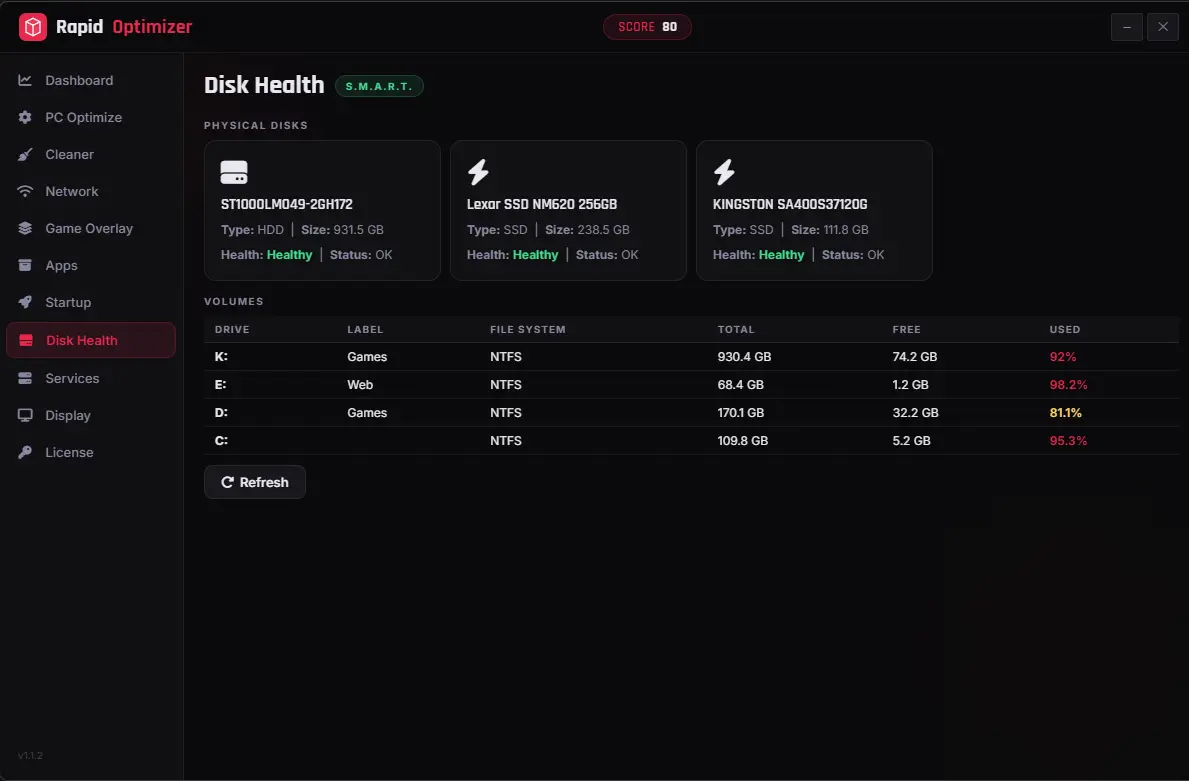
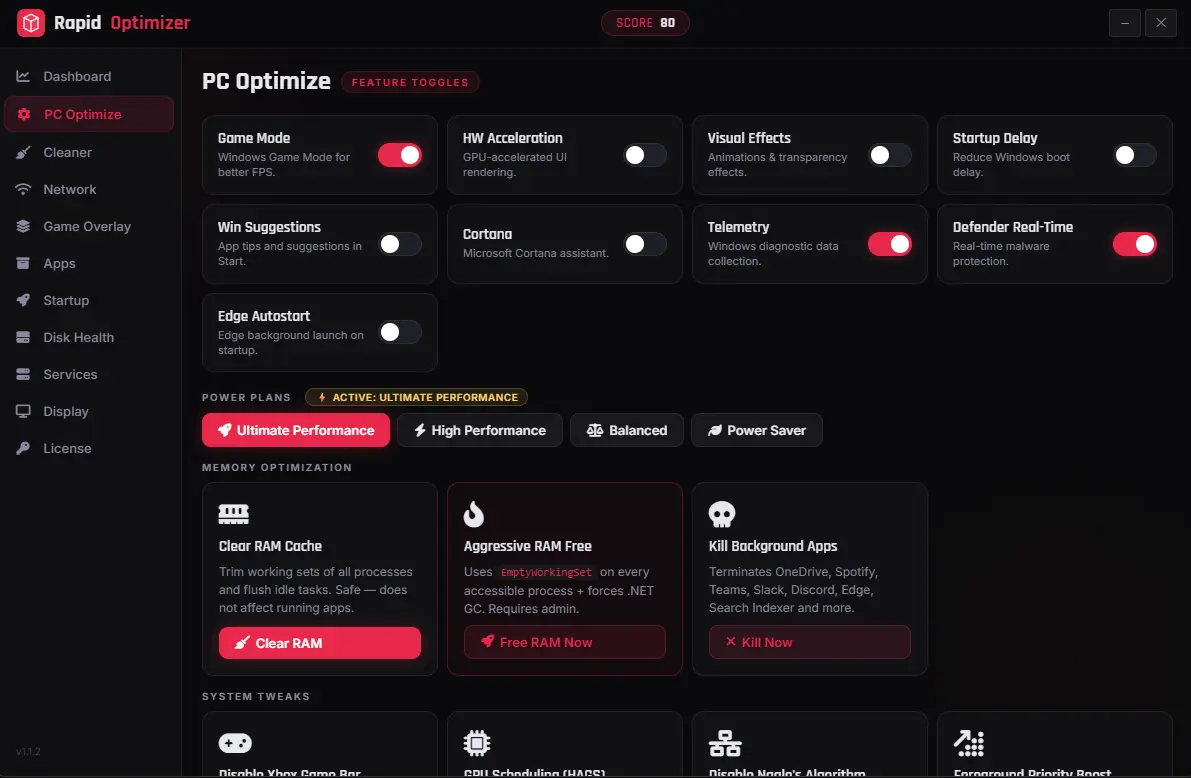
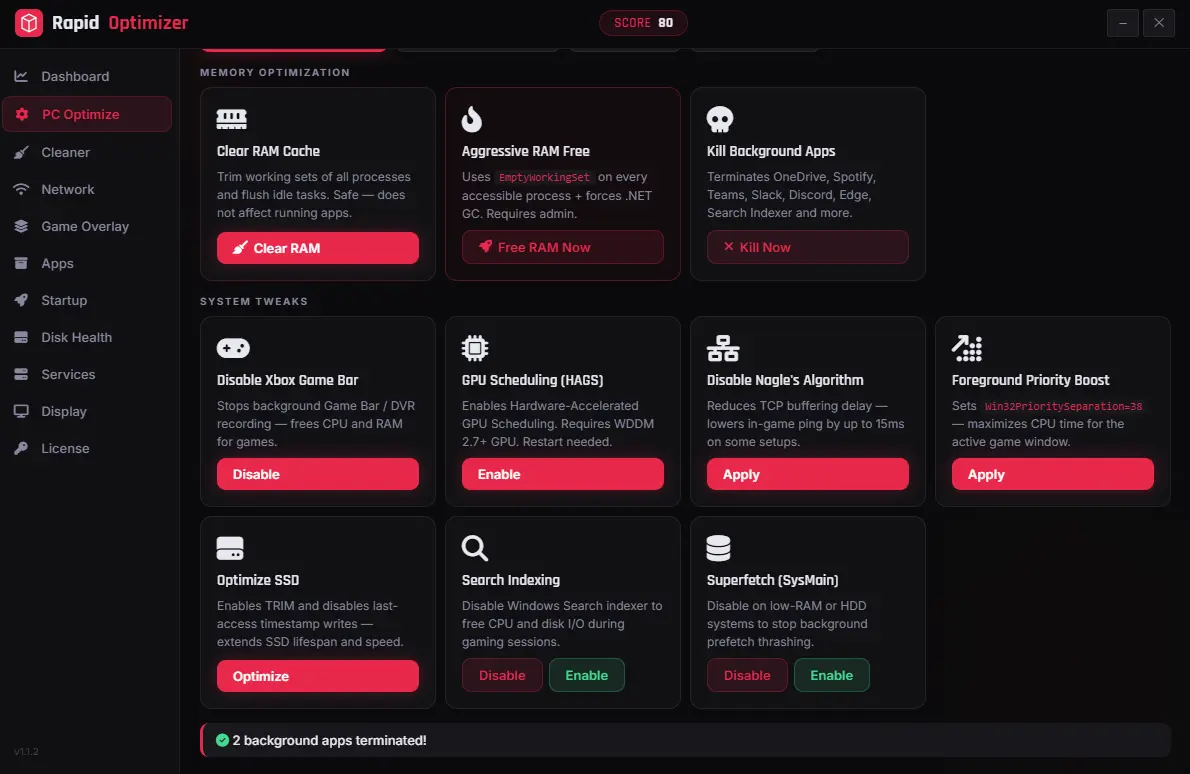
Comments 0
No comments yet
Be the first to share your thoughts!
Leave a Comment